Speech to text
VoiceNote
Speak — the app types your speech as text for you
Video: how VoiceNote works
What it does
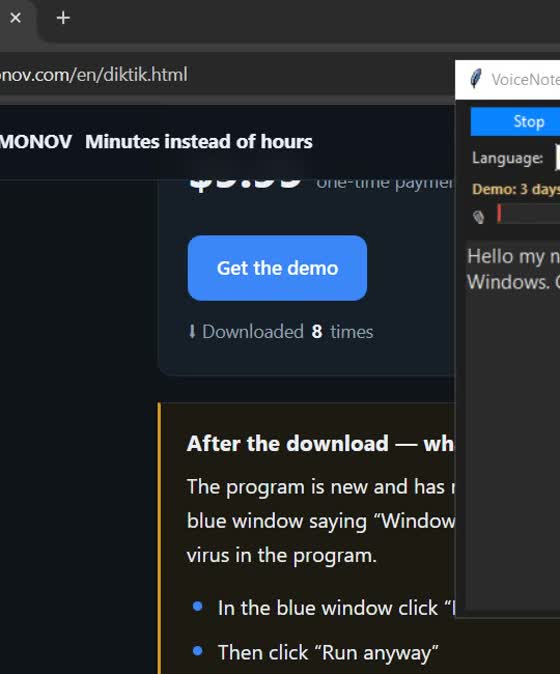
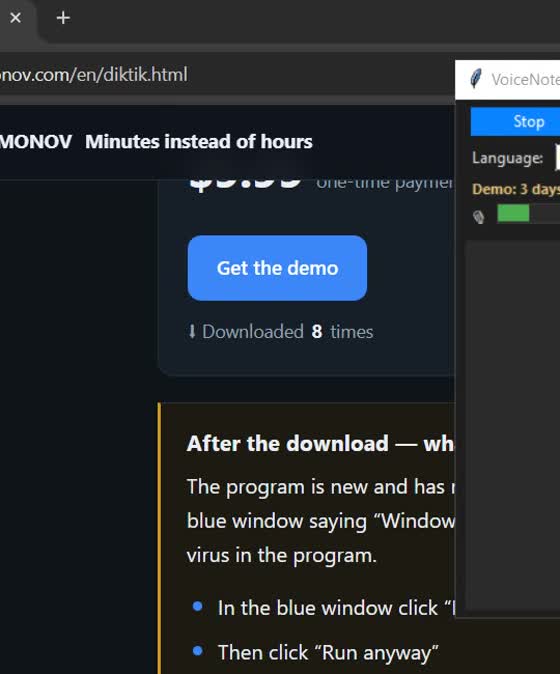
- Press “Record” and speak — the app turns your speech into text
- Copy or save the finished text
- Recognises Russian and other languages
- Simple interface: one Record button, one Stop button
- Installs in a couple of minutes; downloads the required libraries during setup
- One license — one computer
- Interface in Russian and English
Requirements and terms
| System | Windows 10 or newer |
|---|---|
| What it does | Turns speech into text (dictation) |
| Needed | A microphone |
| Setup | Download and run; the required libraries are downloaded during setup |
| Demo | 3 days, no feature limits |
Boundaries: what the program never does
- Never sends your texts to third-party servers
- Runs on your own computer
- No junk: only the program itself, nothing extra
After the download — what Windows may show
The program is new and has no paid publisher certificate yet, so when you run it Windows may show a blue window saying “Windows protected your PC” or “Unknown publisher”. This is normal — there is no virus in the program.
- In the blue window click “More info”
- Then click “Run anyway”
- If your antivirus asks, allow it to run
Demo first, money later
The demo runs for 3 days with no feature limits and costs nothing. Download it, make sure it works for you, and only then pay.