Articles
Useful materials about using the software and time-saving techniques.
 1 November 2026
My Account Is Certified by Google
My account is certified by Google for advertising desktop software — and why that is a sign of trust.
 29 October 2026
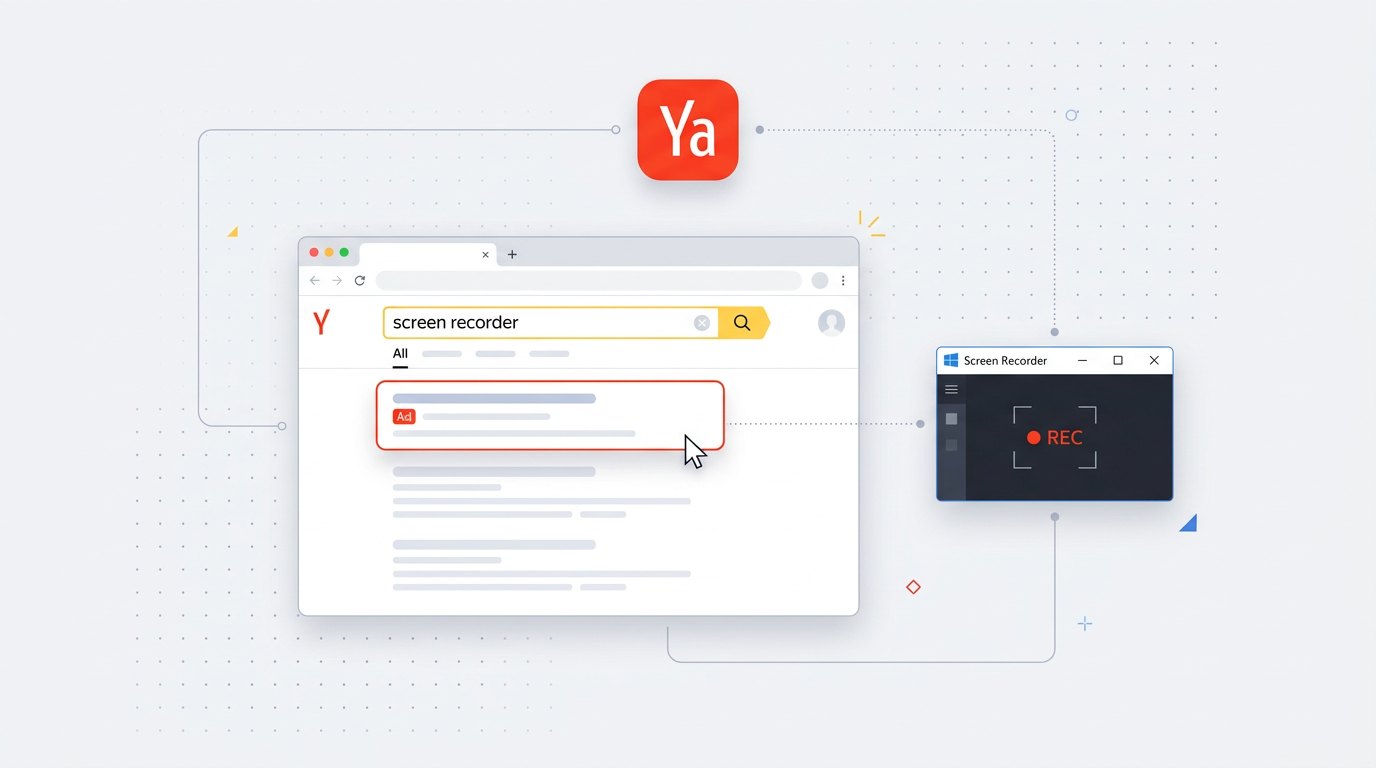
My Screen Recorder Is Now Advertised on Yandex Direct
Why I launched Yandex Direct ads for my screen recorder and why ads in Yandex search are a sign of trust.
 27 October 2026
My Programs Are Now Advertised on Microsoft (Bing)
Why I started advertising through Microsoft Advertising in Bing search — and why that is itself a signal of trust.
 27 October 2026
Where My Programs' Code Lives: Open on SourceCraft
The source code of my programs is open on SourceCraft — you can see who stands behind the software, which builds trust.
 18 October 2026
lava.top — pay with a foreign card (Visa / Mastercard)
How to buy software from abroad: pay with Visa / Mastercard, is it safe and what you get after payment.
 18 October 2026
GitHub — why the programs live there and why it is safe
What GitHub is, why the files are hosted there and how to download the latest version from releases.
 18 October 2026
VirusTotal — check a program for viruses before downloading
How a file is scanned by 70+ engines, why one or two may flag it and how to open the report yourself.
 18 October 2026
Where to find my programs: Smol Top, DevHub and other directories
The directories where the apps are listed: what they are, why they exist and how they help find the demo.
 18 October 2026
How to pay for software with a Russian card via Prodamus
Is it safe to pay, which cards work, do you get a receipt and how refunds work — in plain words.
 17 October 2026
How to Turn Speech into Text on a Computer
Speak and the app types it for you. The built-in Windows voice typing, online services and a simple program on your computer.
 17 October 2026
Voice Typing on Windows
How to turn on voice typing: the built-in Win + H tool and a simple program that types your speech as text and saves it to a file.
 17 October 2026
How to Turn Audio into Text on a Computer
Transcribing a recording online and a simple way to speak text with a program that runs on your own PC.
 16 October 2026
How to Make a Photo from a Video on a Computer
How to grab a frame from a video and save it as a picture: a screenshot, the VLC player and a simple program that picks sharp frames for you.
 16 October 2026
How to Split a Video into Frames (Pictures)
Breaking a video down into frames: how to lay a clip out into separate frame-pictures, choose the interval and keep only the sharp frames.
 16 October 2026
How to Save a Frame from a Video in Good Quality
Why frames come out blurry and how to catch a sharp still from a video without losing quality and without motion blur.
 14 October 2026
How to Upload a Screen Recording to Rutube: Step by Step
Step by step: how to upload a video to Rutube from your computer — record the screen with sound, add the clip, fill in the title and choose visibility (public or by link).
 14 October 2026
How to Send a Screen Recording on Telegram: Step by Step
Step by step: how to send a video on Telegram from your computer — record the screen with sound and send the clip to a chat or channel without losing quality (as a file).
 14 October 2026
How to Upload a Screen Recording to VK (VKontakte): Step by Step
Step by step: how to upload a video to VK from your computer — record the screen with sound, add the clip to the Video section or your wall, choose visibility and share it.
 14 October 2026
How to Upload a Screen Recording to YouTube: Step by Step
Step by step: how to upload a video to YouTube from your computer — record the screen with sound, fill in the title and thumbnail, choose visibility (public or unlisted) and publish the video.
 14 October 2026
How to Record Your Screen on Windows 10 and 11 with Sound: 3 Ways
The built-in Game Bar (Win+G), online services and a simple dedicated program — a side-by-side comparison of ways to record your screen with sound, with a table and handy hotkeys.
 14 October 2026
What Is Quora and Why It's Useful
An international question-and-answer website where people from all over the world share their experience. Here is what Quora is, how it works and why it is useful — including for software creators.
 8 October 2026
How to Record an Online Meeting with Sound
Step by step: how to record a Zoom, Teams or Google Meet call on your computer together with the sound — no complex setup, in just a couple of clicks.
3 October 2026How to Record a Video Walkthrough for a Colleague
Explaining where to click in words is slow and unreliable. It is easier to record a short video once: it shows where to click and lets your colleague hear you. Here is how to record a clear video walkthrough.
19 September 2026How to Record Your Screen in a Minute, Not an Hour
Showing your screen is almost always faster than describing it in words. Here is how to record your screen with no complex setup — it all comes down to two buttons: Record and Save.
 17 September 2026
Why Simple Computer Tasks Still Take So Long
You sit down to do something basic — and half an hour later you're still wrestling with the program. Why that happens, and what a good tool should look like.